Build each item properly
Create the item, then define the variants and add-ons a customer can choose. A clear menu helps guests understand their options before placing an order and gives the kitchen a more complete instruction.
Change your menu yourself: items, variants, add-ons, prices and availability, all in one place.
Your café favourites are being made just for you.
Enter the dishes and drinks you want customers to order.
Define the variants, add-ons and prices for each item.
Organise breakfast and lunch selections for your service.
Mark unavailable items out of stock and review changes with the team.
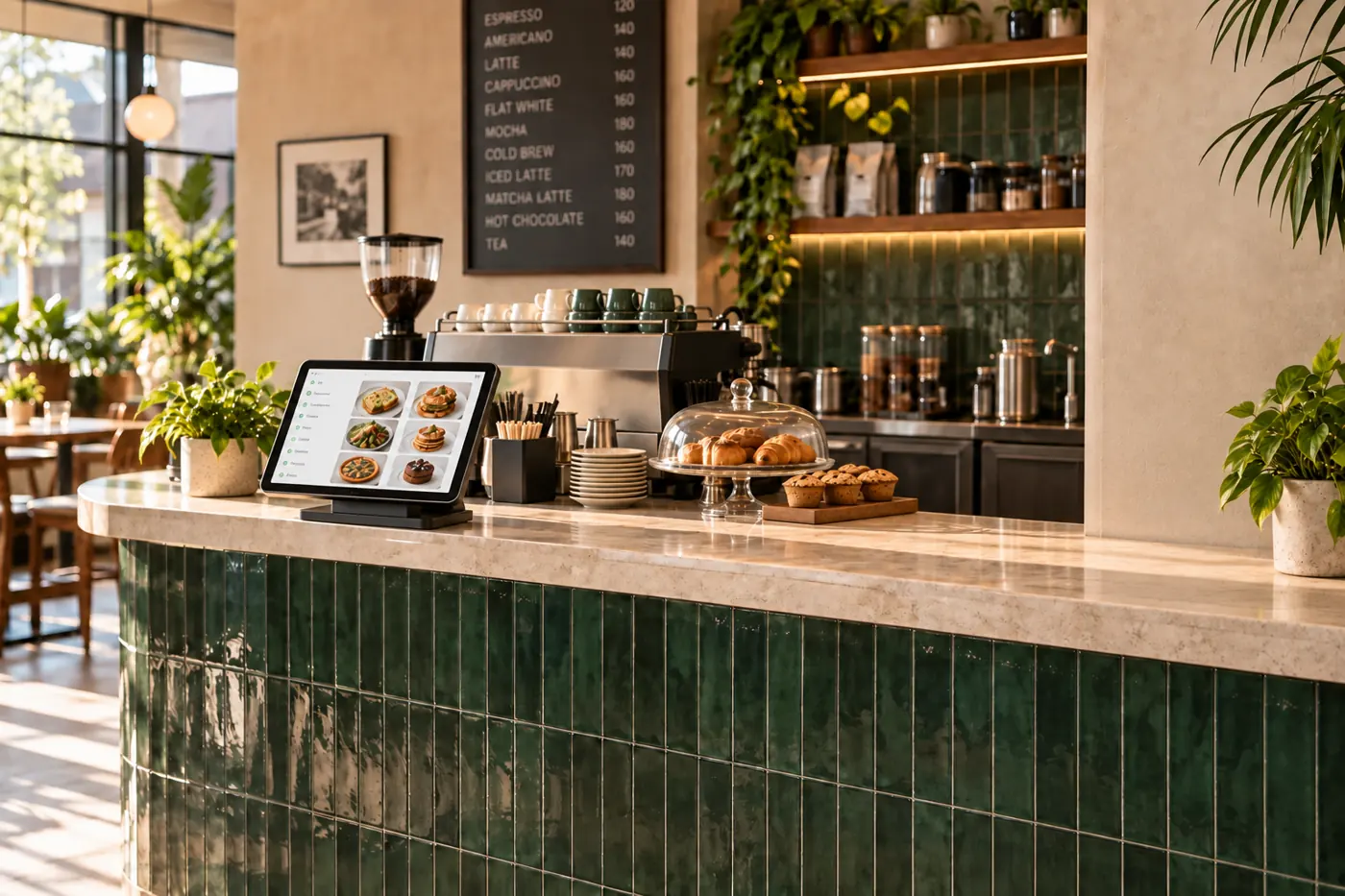
Give each item its own variants and add-ons. Keep prices current without waiting for someone else to edit your menu.
Switch between breakfast and lunch menus and mark sold-out items unavailable, so customers see what your kitchen can serve.
Book a free demoExplore the same connected experience from the customer’s side.
Your menu is the starting point for every order. Organise what you serve, explain the choices available and keep availability aligned with your kitchen.
Create the item, then define the variants and add-ons a customer can choose. A clear menu helps guests understand their options before placing an order and gives the kitchen a more complete instruction.
Update prices and mark items out of stock when ingredients run out. Review breakfast and lunch menus as service changes, so customers choose from the food your team is ready to prepare.
Before service, check item names, prices, options and availability. Walk through a sample customer order with your team during setup to see how those choices reach the kitchen.