Browse before placing the order
Customers can explore the menu, select available variants and add-ons, and review their choices on screen. Clear item options help them explain what they want without repeating the order at the counter.
Give every customer room to browse, customise and order on screen. Your team can focus on making their food.
Your café favourites are being made just for you.
Browse the restaurant’s available menu on the kiosk.
Select items and available customisations.
Review and place the order using the available checkout options.
Follow preparation progress and collect when ready.
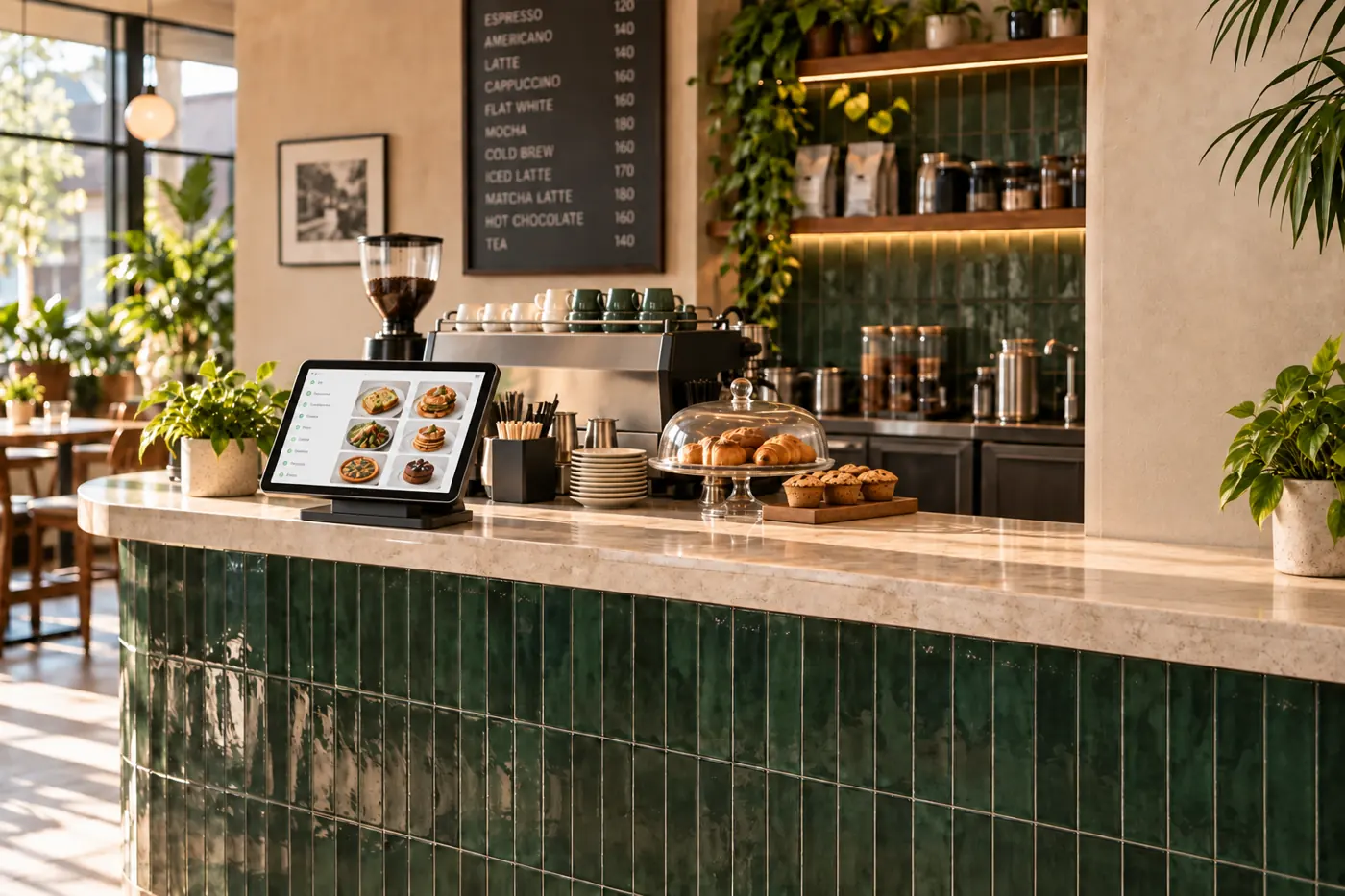
Keep the menu, options and availability together at the counter. Customers make their choices at their own pace.
One clear order for your kitchen, with the choices and customisations your customer selected.
Book a free demoExplore the same connected experience from the customer’s side.
A self-order kiosk gives guests another place to browse and customise their order. It supports your counter team while keeping orders connected to the kitchen.
Customers can explore the menu, select available variants and add-ons, and review their choices on screen. Clear item options help them explain what they want without repeating the order at the counter.
Once placed, the order reaches the kitchen with the selected customisations. Your team can focus on preparation while the customer follows the order through the connected experience.
During a demo, discuss kiosk placement, supported hardware, connectivity and how staff will help guests who need assistance. Face registration is optional and is not required to place an order.