A shared preparation queue
Your team can see incoming orders in one kitchen queue instead of treating each ordering channel as a separate conversation. This helps staff work from the placed order.
Bring kiosk, app and dine-in QR orders into a shared kitchen queue, with the details your team needs to get cooking.
Your café favourites are being made just for you.
The customer places an order through a supported channel.
The kitchen receives the items and selected options.
Staff prepare the order and update its progress.
The order is marked ready for the next service step.
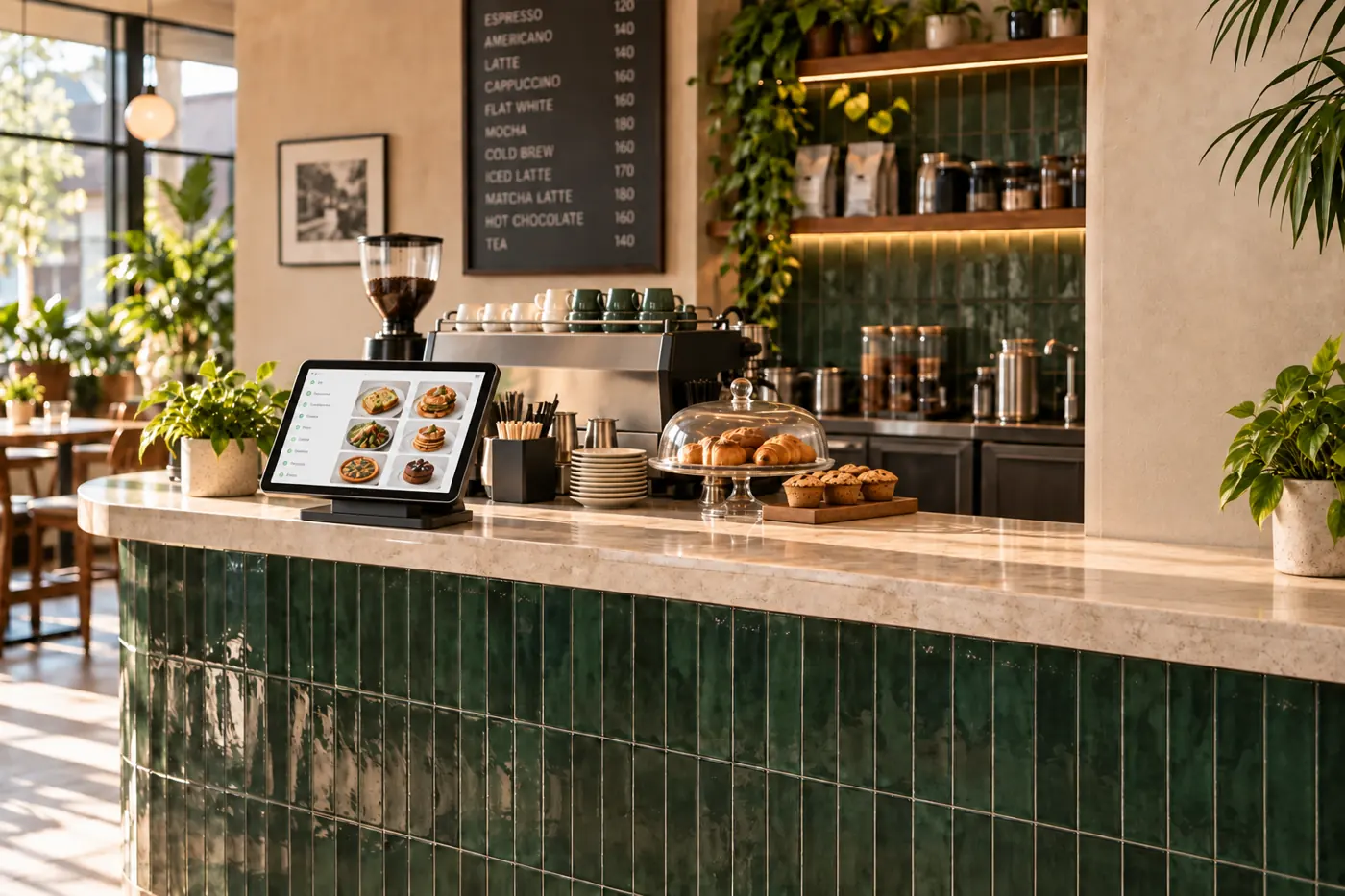
Keep dine-in and takeaway orders visible in the same place. Customisations travel with the order.
Update preparation progress where the work happens, so customers can follow along from their phone.
Book a free demoExplore the same connected experience from the customer’s side.
Bring kiosk, app and dine-in QR orders into a shared preparation flow. The kitchen receives the order details customers selected, including available customisations.
Your team can see incoming orders in one kitchen queue instead of treating each ordering channel as a separate conversation. This helps staff work from the placed order.
Variants and add-ons travel with the order. Review those details before preparation, and keep the menu up to date so guests see the choices your restaurant can fulfil.
Update order progress as the food moves through preparation. For collection, mark it ready; for restaurant delivery, coordinate the handoff with your own delivery team.
Need a little more help?
Talk to the team