Order ahead for takeaway
Customers can browse the restaurant menu and make their choices in the app. Placed orders enter the connected preparation flow, with order progress available on their phone.
Order ahead, or sit down and scan the dine-in QR code in the Shigram app. Placed orders go directly to the kitchen.
Your café favourites are being made just for you.
Open Shigram and choose the restaurant or scan its dine-in QR.
Browse the available menu and select item options.
Review and place the order.
The kitchen receives it and the customer follows progress.
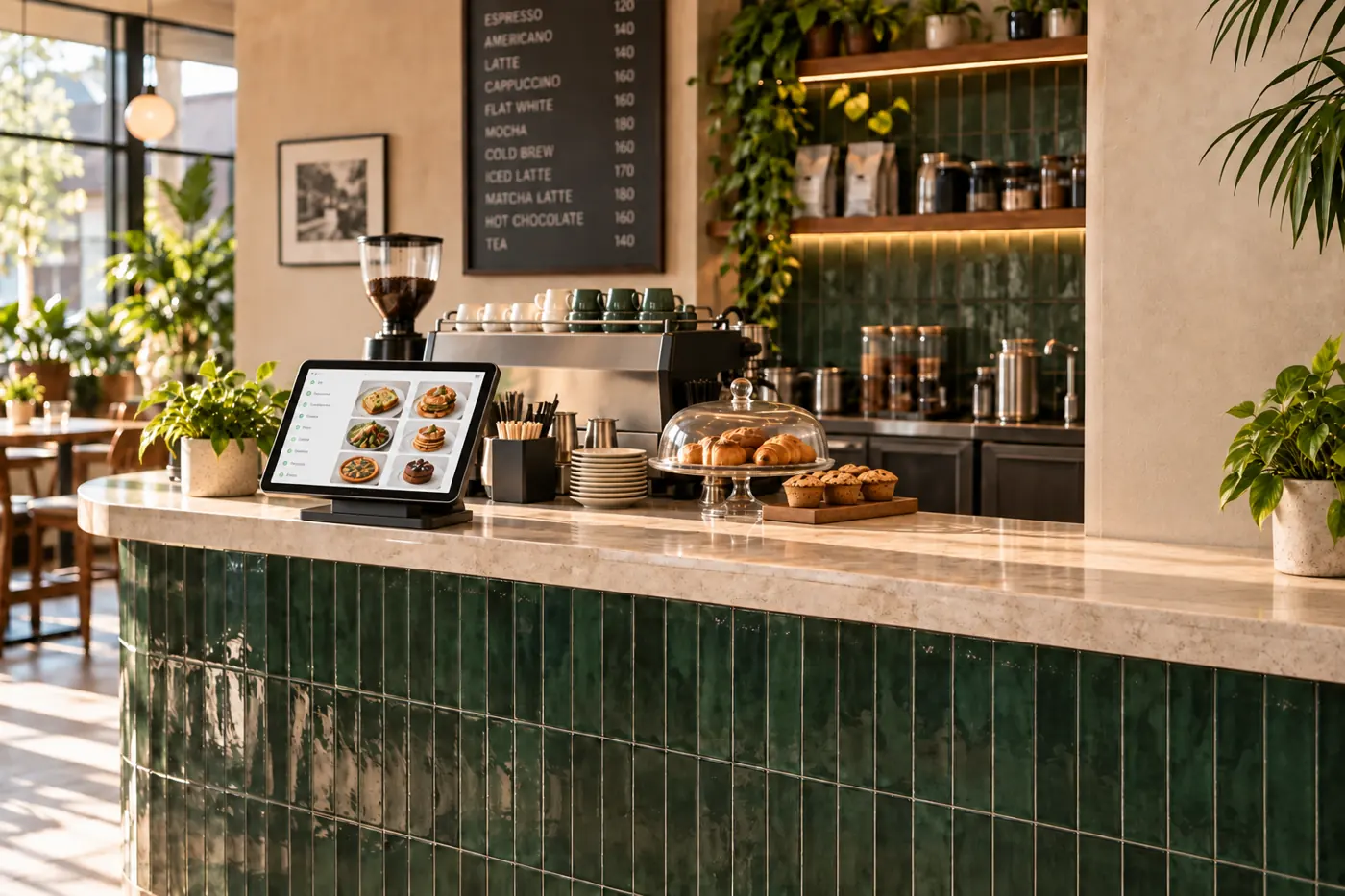
For seated dine-in, customers scan the QR code using the Shigram app, browse the menu and place their order. It goes directly to the kitchen.
Customers can also order ahead for takeaway. Both flows connect to the kitchen without a separate counter order.
Book a free demoExplore the same connected experience from the customer’s side.
The Shigram app supports ordering ahead and scanning to order while dining in. Both flows connect placed orders to the kitchen.
Customers can browse the restaurant menu and make their choices in the app. Placed orders enter the connected preparation flow, with order progress available on their phone.
At a participating restaurant, customers scan the dine-in QR code using the Shigram app. They can choose items and send the order directly to the kitchen without placing it again at the counter.
Table sessions and split bills support guests eating together. Customers can pay for their own items; the dedicated table-ordering page explains that experience in more detail.