Start at the table
Guests scan the restaurant’s table QR using the Shigram app. The table session gives the seated experience its own ordering context, separate from ordering ahead for takeaway.
Scan the table QR in the Shigram app, order straight to the kitchen and split the bill by paying for your own items.
Your café favourites are being made just for you.
Take a seat and scan the table QR in the Shigram app.
Choose dishes and available options within the table session.
Place the order directly into the kitchen queue.
Use split billing to pay for your own items.
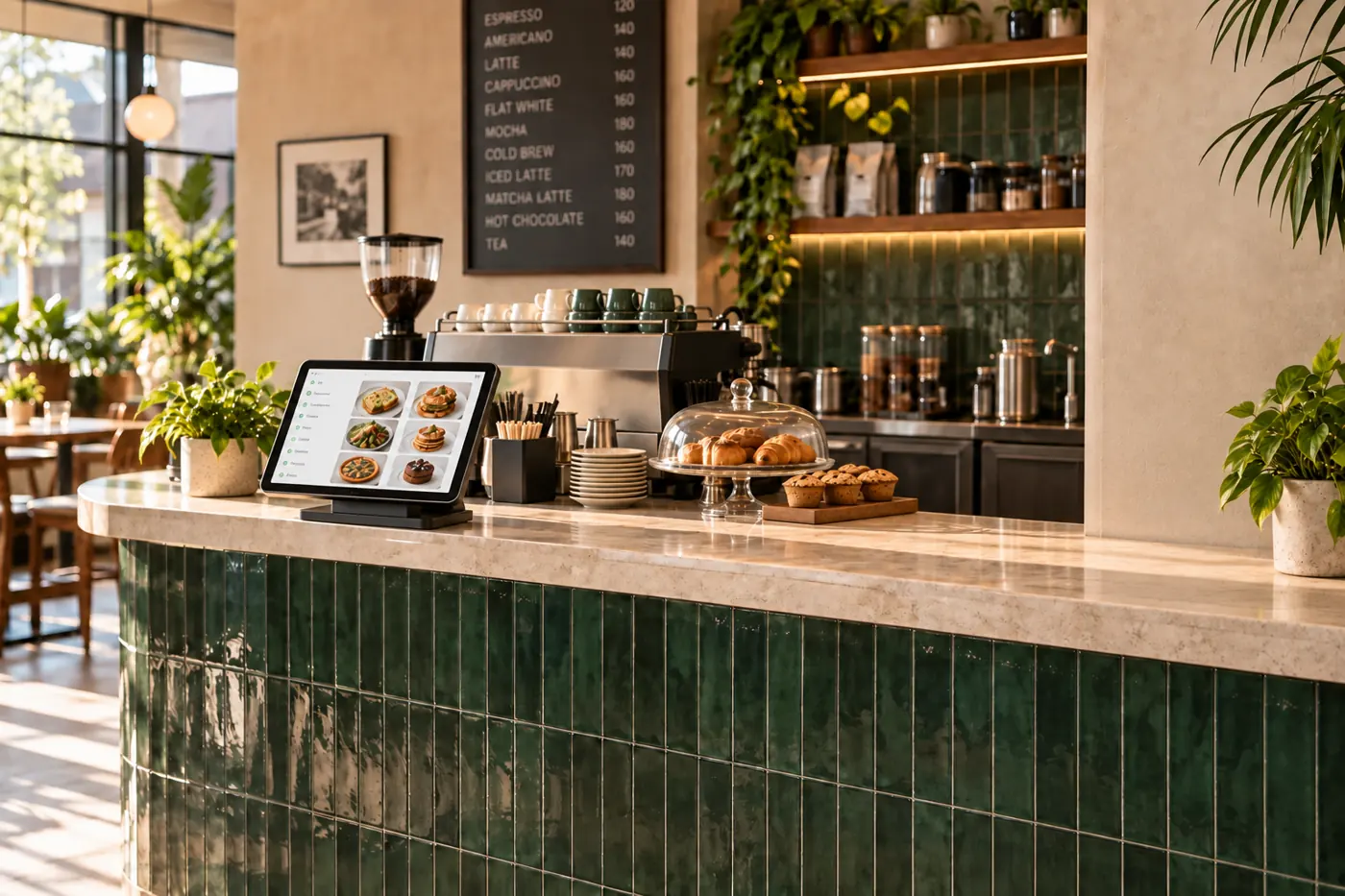
Bring seated dine-in into its own table session. Guests scan the QR using the Shigram app, browse the menu and place orders directly with the kitchen.
Split billing lets guests pay for their own items, making a shared meal simpler from the first order to the final payment.
Book a free demoExplore the same connected experience from the customer’s side.
Dine-in ordering has its own rhythm. Shigram connects table sessions, QR ordering, direct kitchen orders and paying for your own items.
Guests scan the restaurant’s table QR using the Shigram app. The table session gives the seated experience its own ordering context, separate from ordering ahead for takeaway.
Customers browse the menu, choose available options and place an order that goes directly to the kitchen. Staff can focus on service while the order details stay connected.
Guests can pay for their own items through split billing. A shared meal does not have to finish with one person collecting everyone else’s payment.
Need a little more help?
Talk to the team