Before the first order
Keep menu items, variants, add-ons and prices current. Organise breakfast and lunch menus and mark unavailable dishes out of stock so the customer’s choices reflect what the kitchen can prepare.
One platform for your restaurant. One app for your customers. From the first tap to the next visit, bring it all together with Shigram.
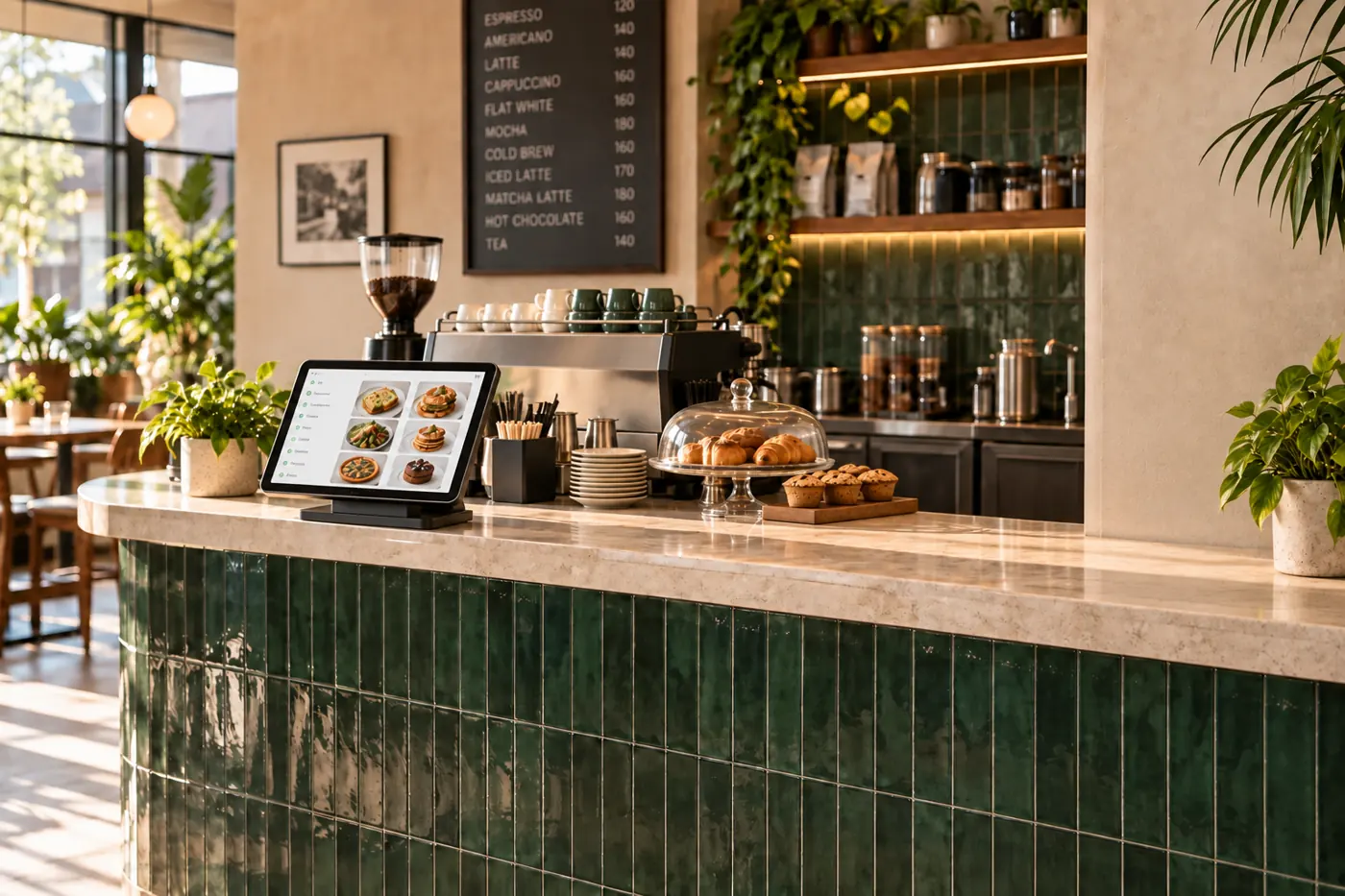
Connect ordering, kitchen and payments.
Explore the platformOrder ahead or scan to order from your seat.
Meet your new everyday appScan the dine-in QR code using the Shigram app. Place your order from your seat and it goes directly to the kitchen.
Open Shigram and scan the dine-in QR code.
Browse the menu and place your order from your seat.
Your order reaches the kitchen for preparation.
15 modules. One familiar flow.
Built around life at your counter.
Items, prices and availability. Managed by you.
A little less queue. A lot more choice.
A clear bill. A familiar checkout.
Every order, where it needs to be.
From kitchen to ready, in your pocket.
Cashback and referral rewards, already live.
Daily sales. Payouts. Settlement statements.
Turn everyday orders into useful insight.
A thoughtful nudge for the next visit.
A familiar face. Always your choice.
Their phone. Your kitchen. Connected.
A clearer record. A little less paper.
Your own delivery partners, managed by you.
Section 9(5) invoicing and GST, handled.
Scan, order together and pay for your own items.
Pay with your face through ShigramPay when you choose to enrol. Recognition is optional, and another way to pay is always available.
Explore ShigramPayRecognition starts with you.
Prefer another way? Choose an availableYour café favourites are being made just for you.
Order your way. Keep an eye on the kitchen. Get back to the things you came for.
Register in the app. Adding your face is always optional.
Order from your phone or the self-order kiosk.
Follow your order, collect your food and find your bill in the app.
Shigram brings restaurant operations and the customer experience together. Choose the workflows that fit how you serve—at a busy counter, around a dining table or through your own delivery team.
Keep menu items, variants, add-ons and prices current. Organise breakfast and lunch menus and mark unavailable dishes out of stock so the customer’s choices reflect what the kitchen can prepare.
Customers can order at a kiosk, order ahead in the app or scan a dine-in table QR. Placed orders connect to the kitchen, while table sessions and split bills let seated guests pay for their own items.
Review daily sales, track payouts and access settlement statements. Customers keep digital order records and can participate in eligible cashback and referral rewards.
Illustrative order activity
Make sense of peak hours, popular pairings and repeat visits. Put everyday orders to work for your restaurant.
Use order patterns to plan your counter and kitchen staffing.
Take a closer look